To accept card payments at a market booth you need three things: a payment account, a way to take the customer’s card, and a bank account for the money to land in. Most first-season vendors start with Tap to Pay on the phone they already carry, test the whole flow a week before market day, and move to dedicated hardware once card sales pass a few hundred a week.
Start by asking the market manager what they already provide. Some markets run a central card service or a scrip token system, and a few have Wi-Fi at the booth, which can make the hardware question disappear entirely.
Table of Contents
- What You Need
- Step-by-Step: How to Accept Card Payments at a Market Booth
- 1. Confirm the Market’s Rules and Choose How to Accept Card Payments
- 2. Set Up the Card Reader and Test It
- 3. Create a Clear Process for Taking Orders and Payment
- 4. Process the Payment Correctly
- 5. Protect Customer Data and Prevent Fraud
- 6. Handle Fees, Refunds, and Failed Transactions
- 7. Reconcile Sales and Close Out
- Common Mistakes
- Frequently Asked Questions
- Do I need to accept credit cards, debit cards, and mobile payments at a market booth?
- Can I use my phone to accept card payments without a separate card reader?
- How much does it cost to accept card payments at a market?
- What should I do if a market customer’s card is declined?
- Can I issue a refund for a card payment made at my market booth?
- How do I keep track of card sales and cash sales separately?
What You Need
You can get everything below ready in an afternoon, and the exact requirements depend on the payment provider you pick. Work through the list in this order.
- A payment account. An account with a processor that sells to small vendors and takes money straight to your bank. Look for one with no monthly subscription, no contract, and no application queue.
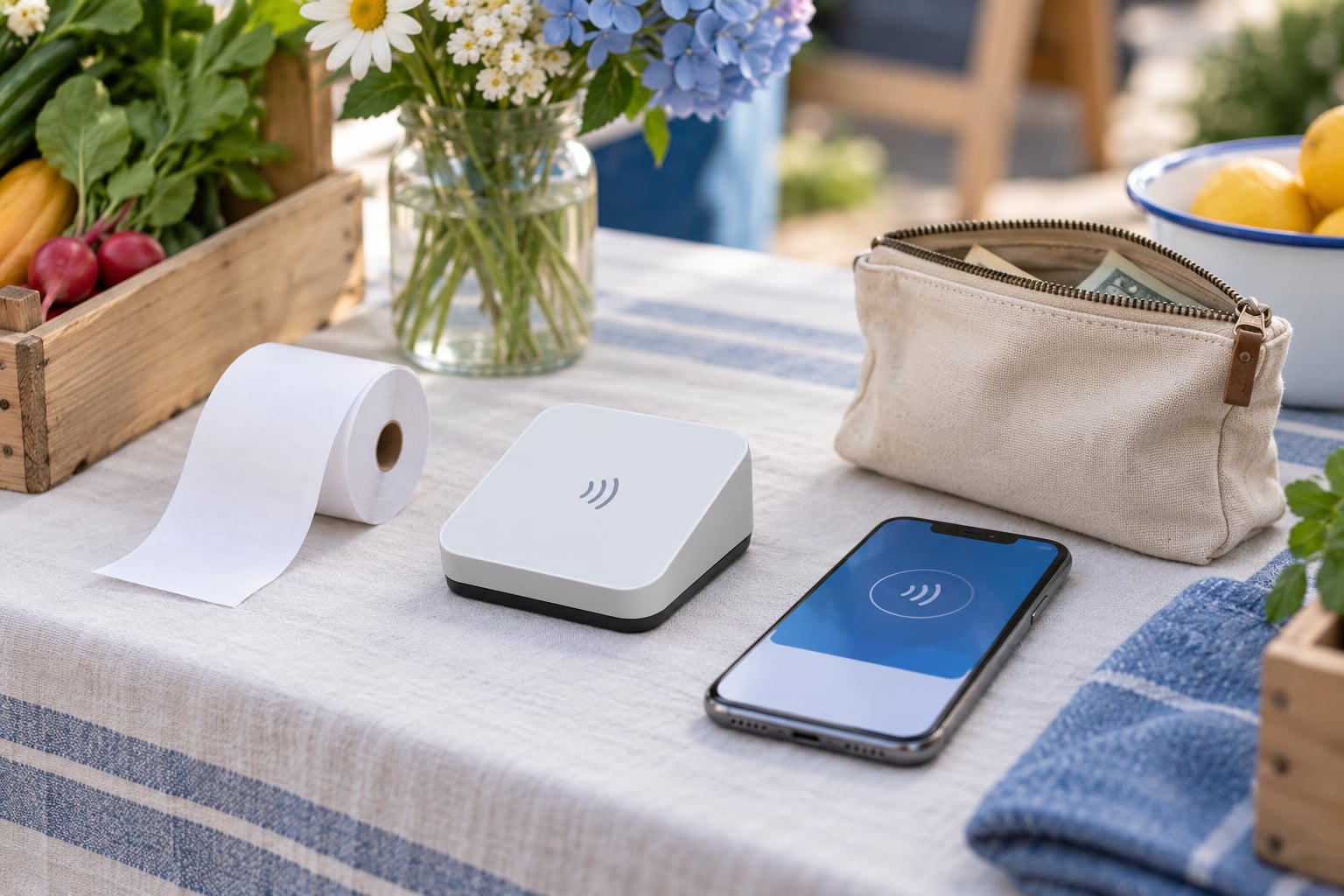
- A card reader or your own phone. A Bluetooth reader plugs into your phone’s app, a standalone terminal runs on its own, and Tap to Pay turns the phone itself into the terminal.
- A charged device and a way to stay online. Your phone needs a full battery, a cable in the booth bag, and either usable cell signal or a hotspot you trust at that address.
- A receipt or confirmation method. Most processors can email a receipt, text a link, or print from a small roll. Decide which one you will offer and test it before the market.
- A sales record. A notebook, a spreadsheet, or the processor’s own item catalog, so you can count what you sold even if the reader fails.
- A contingency kit. A cash box with a startup float, a second payment method on the table (a QR code for a popular person-to-person app works), and a written backup plan.
Step-by-Step: How to Accept Card Payments at a Market Booth
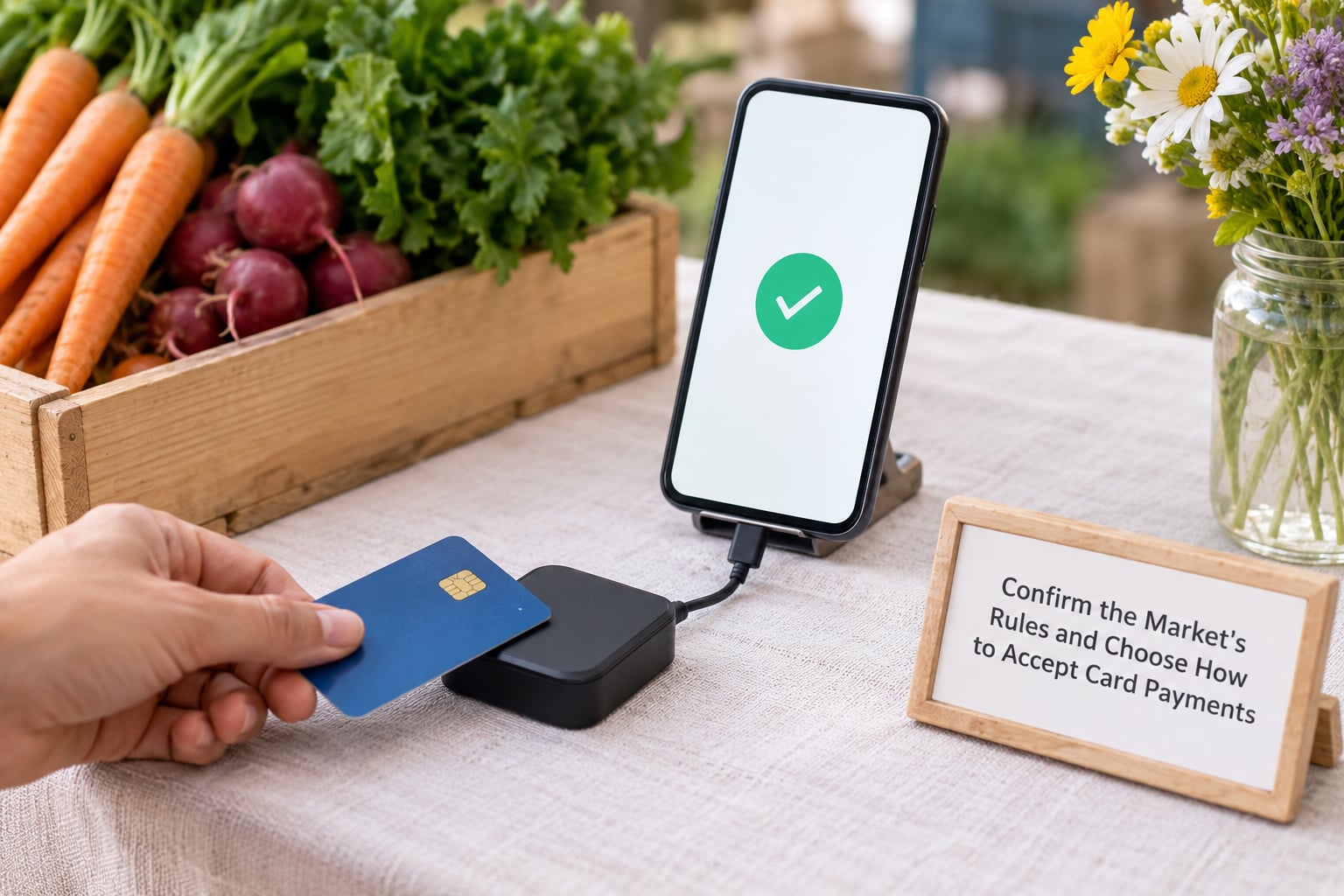
1. Confirm the Market’s Rules and Choose How to Accept Card Payments
Before you buy anything, ask the manager whether card payments are allowed, whether the market requires a particular setup, whether any transaction amounts are restricted, and whether vendors pay a separate card fee. Some markets also run benefit tokens or a central payment booth that customers expect vendors to use instead of their own reader.
Then match the method to your day. Tap to Pay suits a stall with a short queue and small price points. A Bluetooth reader suits a stall where someone else runs the register on a phone. A standalone terminal with its own connectivity suits a busy line where the phone also has to run a music playlist and a label printer.
2. Set Up the Card Reader and Test It
Create the account, complete the identity verification the provider asks for, and link the bank account where payouts should go. Order the reader if it is not in the box, then pair it with your device and confirm the app recognises it.
Run a real test transaction before market day: ring up a small amount, take the payment, check that the app shows it as approved, and confirm that the payout lands in the linked account. Turn on offline mode if the provider offers it, so a dead signal does not stop the line.
3. Create a Clear Process for Taking Orders and Payment
Write down how the booth works before customers arrive. Decide whether prices are fixed or vary by weight or size, how quantities get recorded, and exactly when the customer is asked to tap, insert, or hand over the card.
Simple rules beat improvisation: bag or box the item first, then take payment, then hand over the receipt. Tell the customer what happens next (“this is approved, here is your receipt”) so nobody thinks the transaction silently failed.
4. Process the Payment Correctly
The same sequence every time: state the amount out loud or show it on screen, wait for the authorisation to complete, check that the app shows an approved result, then give the customer a receipt or confirmation.
Never write a card number on paper, in a notebook, or on an unsecured device. If a customer wants a card number remembered for next week, take the payment again next week instead.
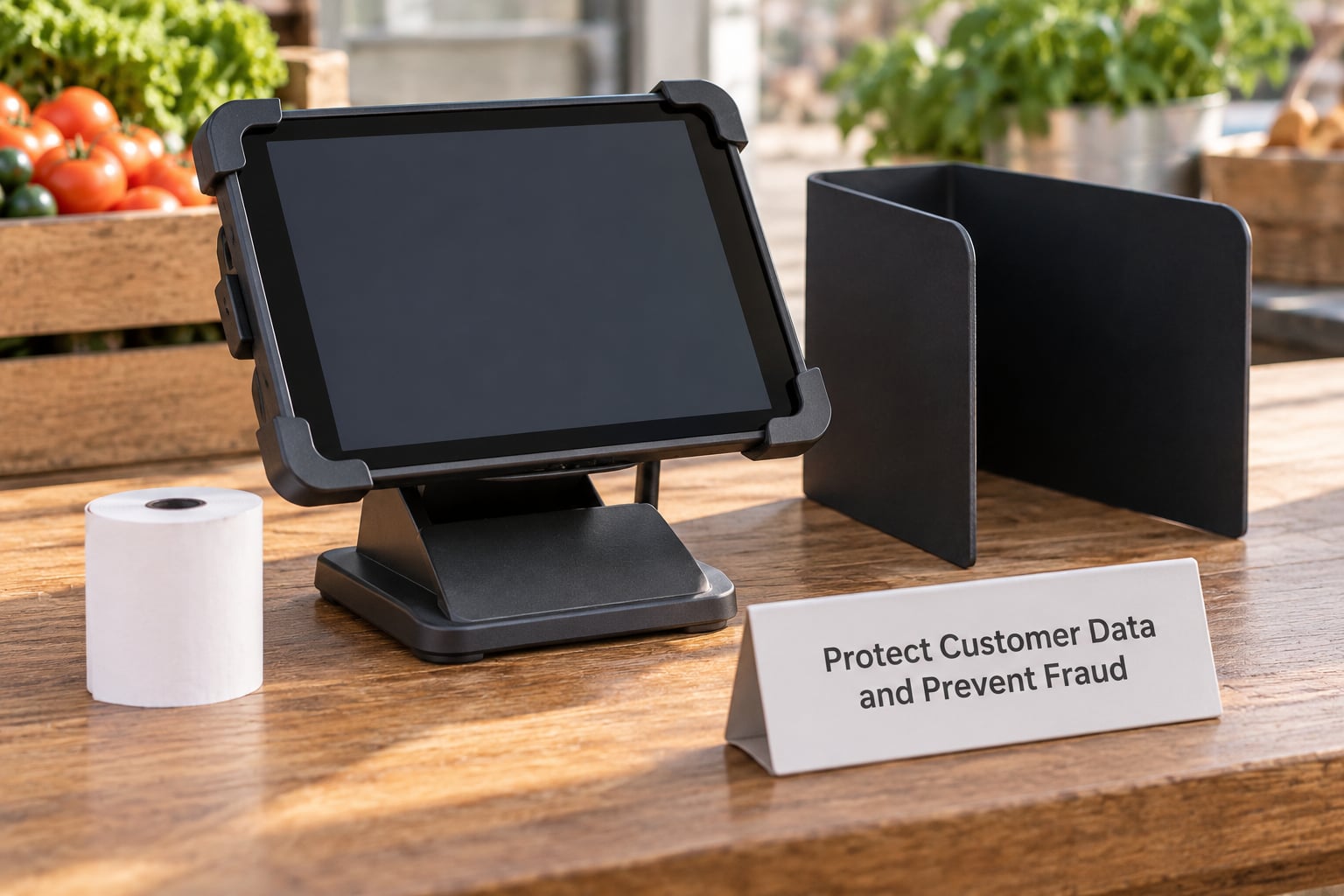
5. Protect Customer Data and Prevent Fraud
Angle the payment screen away from the aisle so nobody behind the customer can read their details. Ask the customer to tap or insert the card themselves rather than handing it to you and watching you handle it.
Keep a short written procedure for anyone helping at the booth, including how to void a sale and what to say when a customer disputes a charge. Lock the device, keep it with you rather than in the booth overnight, and know the provider’s number for reporting a lost or compromised device.
6. Handle Fees, Refunds, and Failed Transactions
Most providers charge a percentage per transaction plus a small fixed amount, and some add a fee for instant payouts. Rates and payout timing change constantly, so confirm the current numbers on the provider’s pricing page before you commit, rather than trusting a figure in an old blog post.
A declined card is usually a card problem, not a customer problem: ask them to try the other card, check for a tap limit, or offer the cash option. Refunds go back through the provider to the original card, which takes the customer’s bank a few business days to show up.
7. Reconcile Sales and Close Out
Compare the day’s total on the processor’s report with your own sales record, then repeat the check per payment method so card and cash do not get tangled. Save or export the report before you pack up; it is your record for tax time and it settles disputes later.
Count cash separately, separate the drop from the float, and only then close the app and secure the device. If the totals disagree, re-count the cash and check for a voided or refunded sale before you leave the site.
Common Mistakes
- Charging the wrong amount. Fix: say the total before the customer taps, and add a second person or a written price list for the rush.
- Relying on public Wi-Fi at the market. Fix: test cell signal at your exact spot a week ahead, keep a hotspot plan or backup tether as backup, and enable offline mode.
- Not testing the reader. Fix: make one full test payment before the first market and check that the payout actually lands.
- Writing card numbers down. Fix: never do it. Let the provider handle the details, which is also what keeps you out of PCI compliance scope.
- Confusing authorisation with settlement. Fix: an approved payment is not money in your account yet. Check the payout schedule and plan cash flow around it.
- Mixing cash and card records. Fix: keep two running totals from the first sale of the day, and reconcile each one separately at close.
On r/CraftFairs, the advice that repeats most is to run a stack rather than a single method: one reader for the main line, and a QR code for a common person-to-person app for the customer who left their wallet in the car. Vendor groups ask far more about reliability than about rate comparisons, so test your backup the same week you test your reader.
Frequently Asked Questions
Do I need to accept credit cards, debit cards, and mobile payments at a market booth?
You do not have to accept all three, but card payments are close to essential and mobile wallets come free with most readers. Debit card purchases carry no extra cost for the customer once they enter a PIN. Apple Pay and Google Pay are built into the reader, so a customer can pay with their phone without touching your equipment. Peer-to-peer apps are worth a QR code as a backup rather than as your main method.
Can I use my phone to accept card payments without a separate card reader?
Yes. Tap to Pay turns a compatible phone into the terminal: the customer taps their card or watches on your screen, and the payment goes straight to your account. It costs nothing in hardware and is the cheapest way to test a market. The catch is the contactless per-tap limit set by the card networks, which makes it a poor fit for expensive single items. Above that, buy a real reader.
How much does it cost to accept card payments at a market?
Most vendors pay a percentage per transaction plus a small fixed amount, and many providers charge no monthly fee at all, so your cost depends on volume rather than a subscription. Add optional hardware, a receipt printer, and any fee for instant payouts. Rates move around constantly, so check the provider’s current pricing page directly, then watch your per-market total rather than guessing.
What should I do if a market customer’s card is declined?
Stay calm and treat it as routine, because a decline says little about the customer. Offer the other card or their phone, check whether a tap limit or a wrong amount caused it, and offer cash if they have it. Do not retry the same card repeatedly, since each attempt can add to the customer’s statement. If a sale fails after you handed over the item, void it cleanly in the app.
Can I issue a refund for a card payment made at my market booth?
Yes, and you should be able to do it without asking the market manager. Issue the refund from the provider’s dashboard or app, usually by selecting the original sale, and the money returns to the customer’s card. The processor’s fee is not refunded, so that amount comes out of your margin. Keep the original transaction record so you can show what happened if the customer disputes it.
How do I keep track of card sales and cash sales separately?
Run two totals from the first sale of the day and never merge them. Many processors let you split a shift or a day by tender type, and the end-of-day report is where you check both. Export or save that report before you pack up. Separating cash and card at the source is what makes a discrepancy traceable to one cause instead of a single confused number.
Do one thing first: ask your market manager what payment setup already exists, then run a full test payment, including the payout, before the next market day. Everything else in this guide hangs off those two steps.