Yes, you can pay at a farmers market without cash at most markets, but only if individual vendors choose to accept it. A market sets the rules about who can sell and where, while each stall decides which payment methods it takes, so two vendors five feet apart can be completely different. Bring a card plus a phone with a mobile wallet set up, and keep a small amount of cash as backup.
The tricky part is that “cashless” on a stall sign can mean six different things. Some vendors take physical cards, some take only contactless taps, some run a central token system, and a few accept nothing but dollars. Here is how to find out in advance, what to bring, and what to do when a payment gets declined at the worst possible moment.
Our market is a curb market with stalls spread along a parking lot, which is the harder version of this problem. Open lots mean thin cell service, which is the number one reason a tap fails at a farmers market even when the card and the wallet are both fine.
Table of Contents
- What You Need Before You Go Shopping
- Step-by-Step: How to Pay at a Farmers Market Without Cash
- 1. Check what your market accepts before you drive over
- 2. Bring a card and set up a backup
- 3. Ask the vendor before you put items in a bag
- 4. Pay with a contactless card or mobile wallet
- 5. Use a market token or paper check when a stall needs one
- 6. Use SNAP or EBT where the market permits
- 7. Confirm the payment and keep the receipt
- Common Mistakes and How to Fix Them
- Frequently Asked Questions
- Do I need cash at the farmers market?
- Are most farmers markets cash only?
- Can I use Apple Pay or Google Pay at a farmers market?
- Is there a fee to pay by card at a farmers market?
- How do I get SNAP tokens at a farmers market?
- What do I do if my card is declined at the stall?
What You Need Before You Go Shopping
Start with a physical card. Debit and credit cards are still the most widely accepted option at market stalls, and a physical card works when a phone is dead, cracked or out of battery.
Next, set up a mobile wallet on your phone before you leave home. Apple Pay, Google Pay and Samsung Pay all work through NFC, the same short-range technology behind a contactless card. Adding a card takes about a minute in the wallet app, and it works at any vendor whose reader shows the contactless symbol. It will not work if the reader is a swipe-only terminal, which still shows up at some older stalls.
A charged phone is part of the kit too. Markets run outdoors in summer heat and shade, and a phone at four percent is a payment method you do not have. A small power bank in the bag costs nothing to carry and saves a whole shopping trip.
Then bring backup cash. Twenty dollars in small bills handles the produce stand that never had a reader, the small-dollar total where change matters, and the vendor who says the terminal is down today.
If you use food benefits, bring your EBT card as well. Authorized farmers markets take SNAP through certified terminals, and many of those same markets run a matching or doubling program that pays out extra credit when you use your card. The market manager or a central info tent can tell you whether yours does.
One thing worth understanding before you shop: a market policy and a vendor choice are different animals. The market may ban cash entirely or require every stall to accept cards, and in many places local law limits what a seller can refuse. But most of the time the market sets no payment rule at all, and the decision sits with the person behind the table. That is why every tip below is vendor-first.
Step-by-Step: How to Pay at a Farmers Market Without Cash
1. Check what your market accepts before you drive over
Look at the market’s website first. Most post a payment page or FAQ that names accepted methods and lists whether SNAP, FMNP or WIC benefits are honored.
Social accounts are the next stop. Updates before opening hours often mention a token drive-in day, a reader outage, or a vendor running a mobile-only stall. Search the market name plus the word payment, and read the most recent season of posts rather than the website, which can lag a full year.
If the market keeps no page of its own, call the manager. One question settles the whole plan: does the market use tokens, and does it match SNAP? A market directory listing is a decent fallback, but it is often a year out of date, so treat it as a hint rather than a fact.
2. Bring a card and set up a backup
Pack a physical card first and set your phone’s wallet as the second layer. Having two paths means one dead reader does not end your trip.
Check that your card can tap. Many cards are physical-only with no contactless chip embedded, and a quick look at the front of the card shows whether the small stacked-lines symbol is there. Visa, Mastercard and American Express all issue tap-enabled cards, and issuers have been adding them steadily, but the card in your wallet has been sitting there for years.
Download a peer-to-peer app as a third option, not a primary one. Venmo, Cash App and PayPal are fine at a few stalls that post a QR code, but they are a fallback because handles get mistyped and payments can sit pending.
3. Ask the vendor before you put items in a bag
The fastest way to avoid a problem is a question. Ask what they take before you pick up a basket, not after you have ten peaches in it.
Confirm four things while you are at it: whether there is a minimum purchase, whether a surcharge gets added, whether tips are prompted, and whether the total has to hit a round number. Vendors who add a surcharge almost always have a threshold, since a fixed fee on a two-dollar item would cost more than the item.
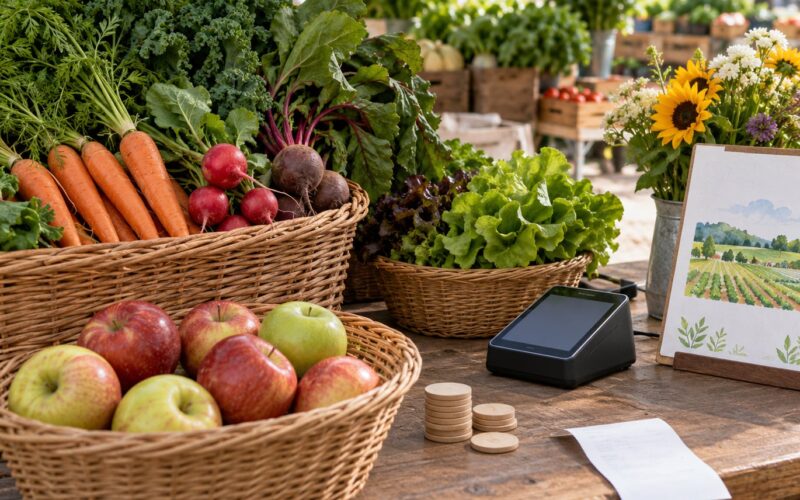
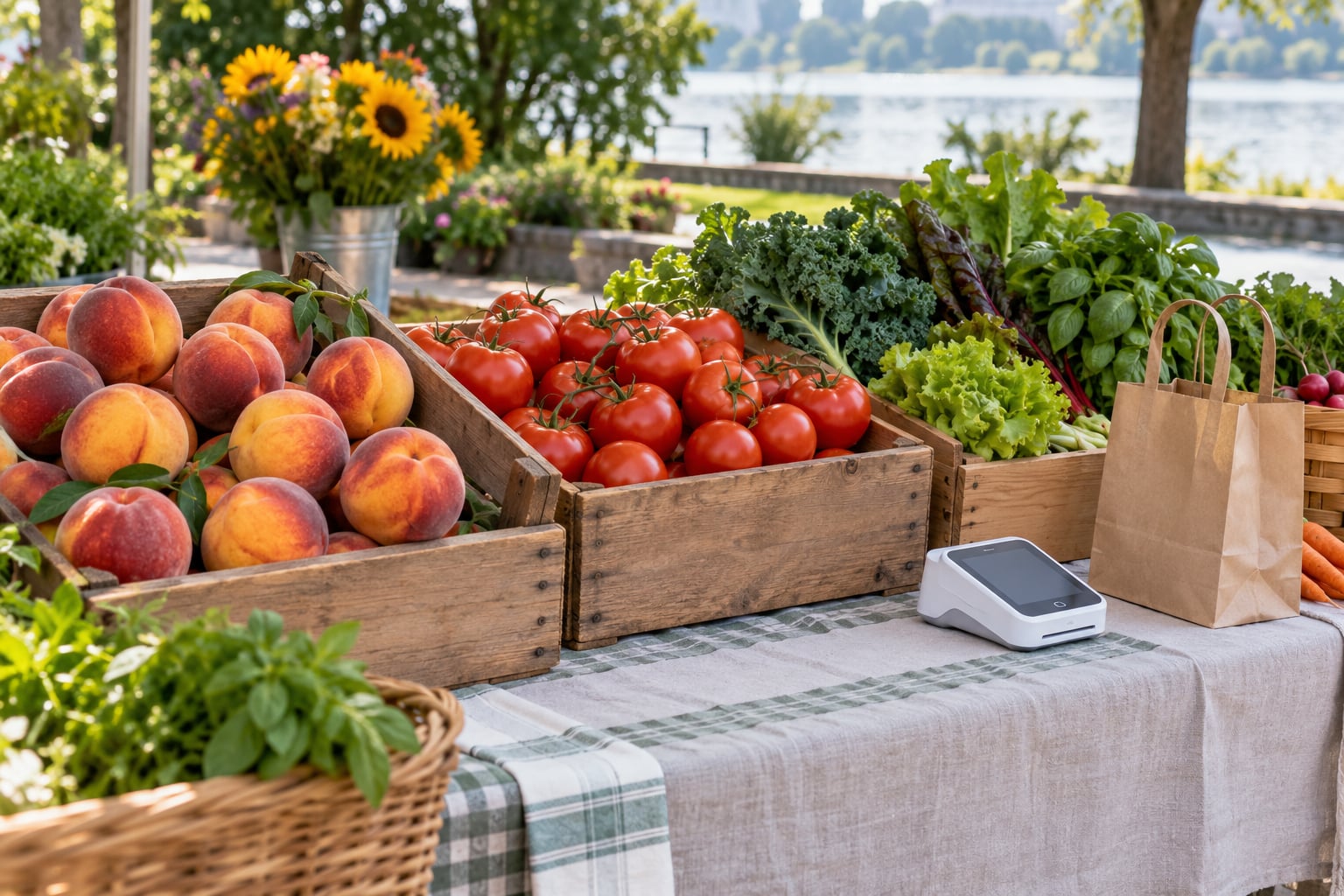
Look for signs while you ask. Vendors commonly tape a list of every accepted method to the front of the table, and shoppers report the most common setup by far is a Square-style reader that takes contactless cards, chips and mobile wallets at the same terminal.
4. Pay with a contactless card or mobile wallet
Unlock your phone and hold it near the contactless symbol on the reader. On most terminals a dollar amount appears on the reader screen, not just on your phone, so check both before approving.
Watch for the confirmation. The tap takes a second or two over the vendor’s cellular data, and if it works you will see a check mark or a receipt notification. If nothing happens after several seconds, do not tap again immediately, since a second tap can create two separate charges.
A physical contactless card works the same way, held near the symbol rather than inserted. If the terminal has no contactless mark at all, insert the chip instead. Swiping a stripe is a last resort and no major processor supports it anymore, so a stripe-only reader is a sign you need cash.
5. Use a market token or paper check when a stall needs one
A market token is scrip issued by the market itself instead of by a vendor. A central booth takes your dollars or benefit card and hands you tokens, which you then spend stall to stall.
Some markets use paper market checks that look like a cashier’s check with printed denominations, and some hand out plastic chips you load and reload. Ask at the info tent whether tokens are reloadable, which vendors honor them, and whether you get them back at the end of the day.
Know what you cannot buy with them. Markets that run token systems often restrict what benefit tokens may cover, and vendors selling prepared food may require a separate payment method entirely. Leftover token value is usually refunded at the central booth, but policies vary, so ask before you spend.
6. Use SNAP or EBT where the market permits
SNAP works at certified farmers markets through a dedicated terminal that cannot be used for anything else. Find it first, because these terminals are often in a central booth rather than at each stall, and some markets only operate them during certain hours.
Bring your EBT card and a PIN. USDA rules limit what the card buys, and most certified markets also accept FMNP checks for produce and WIC vouchers for certain items, but only at stalls flagged for those programs.
Ask about match programs when you arrive. Some markets double SNAP spending up to a weekly cap, and shoppers often hear about it only from other shoppers, so the manager or the market’s social page is the reliable place to confirm.
7. Confirm the payment and keep the receipt
After each tap, wait for the confirmation on the reader and on your phone. If the amount on the reader does not match what you expected, decline before approving.
Ask for a receipt when the total is large enough to matter. Most readers can email one or text it, and digital records are how you split a bill with a friend or check a charge later.
At the end of the morning, glance at your card or wallet activity to make sure no duplicate charges landed. That takes thirty seconds and catches the double-tap before it becomes a dispute.
Common Mistakes and How to Fix Them
The card gets declined at the stall. The most common cause is no cell signal, not a bad card. Open lots and parking garages kill data coverage, and the vendor’s reader cannot reach the processor. Wait a moment and try again as you walk, ask whether the stall has a Wi-Fi network, or see if a signal-boosting vendor nearby has one to share.
Nothing happens when you tap. Usually the wallet is locked, the screen is not on, or the reader has no contactless mark. Unlock the phone, wake the screen, hold it flat against the symbol for a second, and if it still fails, use the chip or a physical card instead.
A tip screen appears and you did not expect it. Reader tips are common and shoppers often find them intrusive. You can usually decline, but the prompt moves to the card side while the reader waits, so tell the vendor clearly that you do not want a tip and confirm the total before they hand over goods.
The small purchase costs more on a card. A surcharge plus a per-transaction fee can add a meaningful share to a two-dollar purchase. Vendors set minimum tickets for this reason. If a stall has a stated minimum, add a few more items before you tap.
The vendor says the reader is dead today. This happens with regulars on battery-powered hardware. Ask whether a nearby stall accepts card, check whether an ATM is within a short walk, or use a peer-to-peer app if the vendor has a QR code posted.
You paid twice. Two quick taps can create two charges, because the reader treats each as a new transaction. If it happens, do not panic; pay once and contact the vendor or the processor for a refund, because a duplicate swipe is easy to prove with two receipts.
A few habits keep things smooth. Queue behind the person paying rather than next to them, because readers get confused when two people tap at once. Have your card or phone out before you reach the counter so the vendor does not start bagging before you are ready. And keep your total visible during the sale, since vendors rarely have time to recount a basket of small items.
Frequently Asked Questions
Do I need cash at the farmers market?
Bring some, even if you plan to pay by card. Individual vendors choose their own payment methods, so a single cash-only stall is common at markets that advertise cards. Small bills solve the problem of change at produce stands, and cash avoids card surcharges and minimum tickets. A modest backup amount is simply insurance, not a requirement.
Are most farmers markets cash only?
No. Most markets today have at least some stalls taking cards and contactless payments, and many market managers push vendors toward card readers. What varies is coverage. Larger markets and produce-heavy stalls lean toward card, while small prepared-food vendors and new vendors are the ones most likely to be cash only. Check before you go rather than assuming.
Can I use Apple Pay or Google Pay at a farmers market?
Yes, at any stall whose terminal shows the contactless symbol. Tap-to-pay on iPhone and Android turns your phone into the card, so no separate hardware is needed on your end. It fails when the reader is swipe-only, when your phone is locked, or when the vendor has no cell signal. Have a physical card ready as a second path.
Is there a fee to pay by card at a farmers market?
Some vendors add a surcharge, often a percentage plus a fixed per-transaction amount, and others set a minimum ticket because a flat fee would exceed small purchases. Rules are set by the vendor, not the market, and many smaller vendors absorb the cost instead of passing it on. Ask at the stall before you tap if it is not posted.
How do I get SNAP tokens at a farmers market?
Most markets that accept SNAP have a central booth where you swipe your EBT card and receive tokens or paper market checks to spend at stalls. Bring your EBT card and PIN. Ask about the spend limit, whether the market matches or doubles your benefits, and whether leftover token value is refunded at the end of the day.
What do I do if my card is declined at the stall?
Declines at markets are usually signal problems, since the vendor’s reader needs cell data to reach the processor. Wait a moment and retry as you move to a better spot, ask if the stall has Wi-Fi, or use a physical card on another terminal. If the reader itself is down, ask a nearby vendor or use a posted QR code app.
Start tonight, not on market day. Look up whether your market uses tokens or matches SNAP, add a card to your phone’s wallet, and put a power bank and twenty dollars in small bills in whatever bag you carry. That single evening of setup covers nearly every stall you will walk up to.